v2.4.0
Mar 16, 2026
See Your Sources: Document Tracing + Faster AI
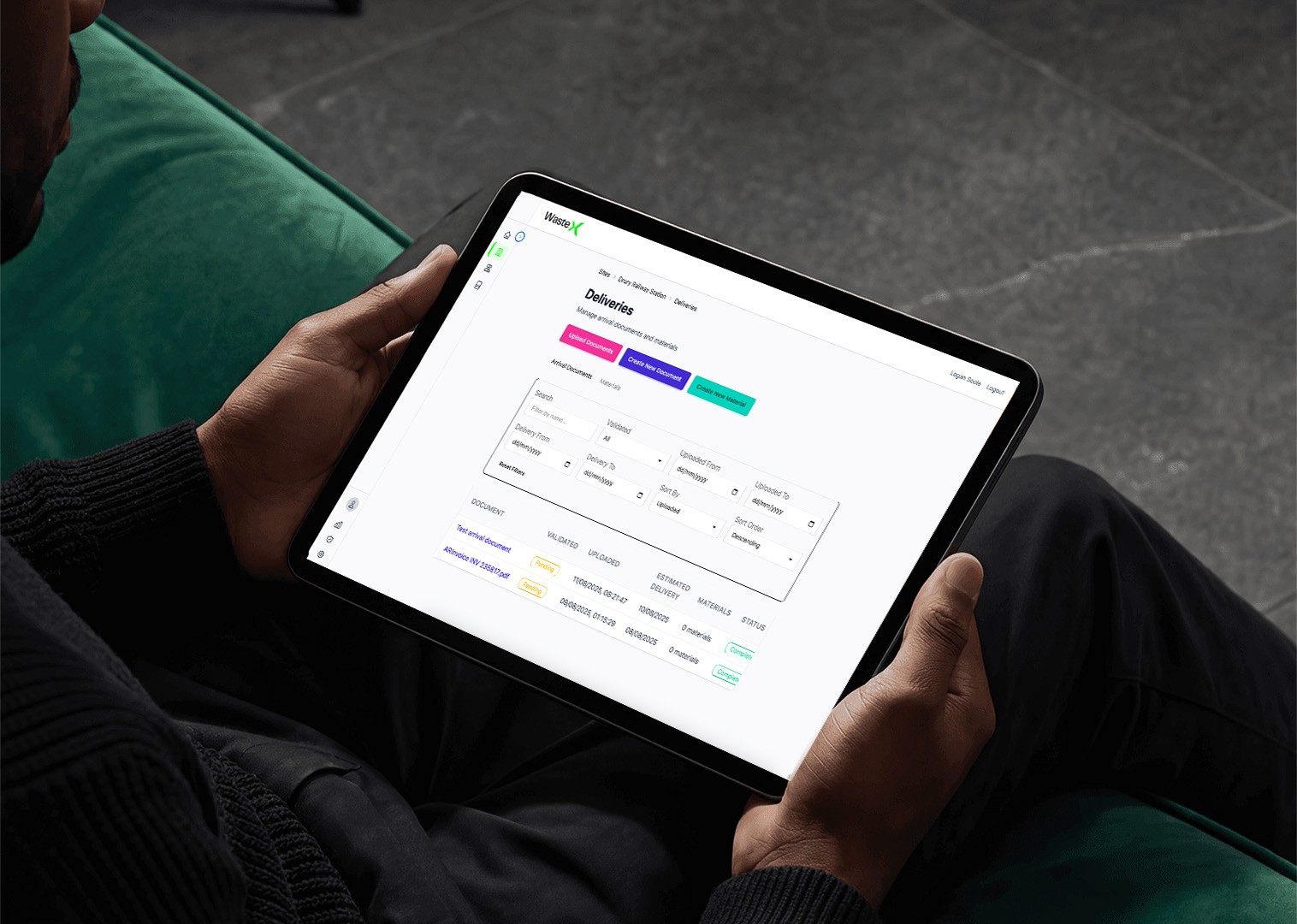
We've shipped four key improvements to WasteX that make waste tracking faster, more accurate, and easier to verify.
Source Document Viewing with Line Item Source
You can now click any waste entry in your dashboard to see the original source document with line-by-line highlighting.
This makes verification instant … no more hunting through folders or emails to find the original docket. Perfect for audits, council inspections, or when you just need to double-check the data.
Click the document icon next to any entry → see the source → highlighted line items show exactly where the data came from.
Updated Ingestion Engine - Faster and More Accurate
We've upgraded Sage AI (our document processing engine) with significant performance improvements:
30% faster processing across all document types
Improved accuracy on handwritten dockets and low-quality scans
Better recognition of NZ supplier formats
Reduced errors on complex multi-item receipts
You don't need to do anything - just upload documents as usual and you'll see the difference.
Additional Units Added - No More Guessing
WasteX now supports a wider range of measurement units so you can track waste exactly as your suppliers report it:
Cubic meters (m³)
Individual units/items
Bags/sacks
Bins/skips
Custom units
No more manual conversions or forcing everything into tonnes. The system handles it automatically and converts for reporting when needed.
Bug Fixes
Fixed dashboard loading delay on multi-site accounts
Resolved export formatting issues in CSV downloads
Corrected date range filter on compliance reports
Version 1.4.0
May 13, 2025
Account Deletion
At WasteX, we are committed to protecting your privacy and giving you control over your personal data. If you choose to delete your WasteX account, this policy outlines the process for initiating deletion, what data will be removed, and any data we may retain for legitimate purposes. This policy applies to accounts created within the WasteX mobile app or via our website.
Scope
This policy covers all WasteX accounts, including:
Accounts created directly in the WasteX mobile app (iOS or Android).
Accounts created on the WasteX website.
Guest or automatically generated accounts created within the app.
How to Delete Your Account
Email-Based Deletion
To permanently delete your WasteX account, you must contact our support team via email:
Open the WasteX app on your iOS or Android device.
Navigate to Profile > Signout.
Uninstall the application in the App Store or Google Play Store.
Send an email to info@wastexpert.co.nz from your registered email address, including:
Your full name.
Your registered email address or username.
A clear request to permanently delete your account.
Our support team will verify your identity and process your request. You will receive a confirmation email once the deletion is complete.
Processing Time
Account deletion requests are typically processed within 7 business days.
If additional time is required (e.g., due to manual review or regulatory requirements), we will notify you via email with an estimated completion date.
Once deletion is complete, you will receive a confirmation email, and your account will no longer be accessible.
Data Deletion and Retention
When you delete your account, WasteX will remove all personal data associated with your account, including:
Personal information (e.g., name, email address, phone number, physical address).
Updates to This Policy
We may update this policy to reflect changes in our practices or legal requirements. The latest version will always be available on our website at www.gowastex.com/account-deletion-policy.
Last Updated: May 12, 2025